Name the gate correctly
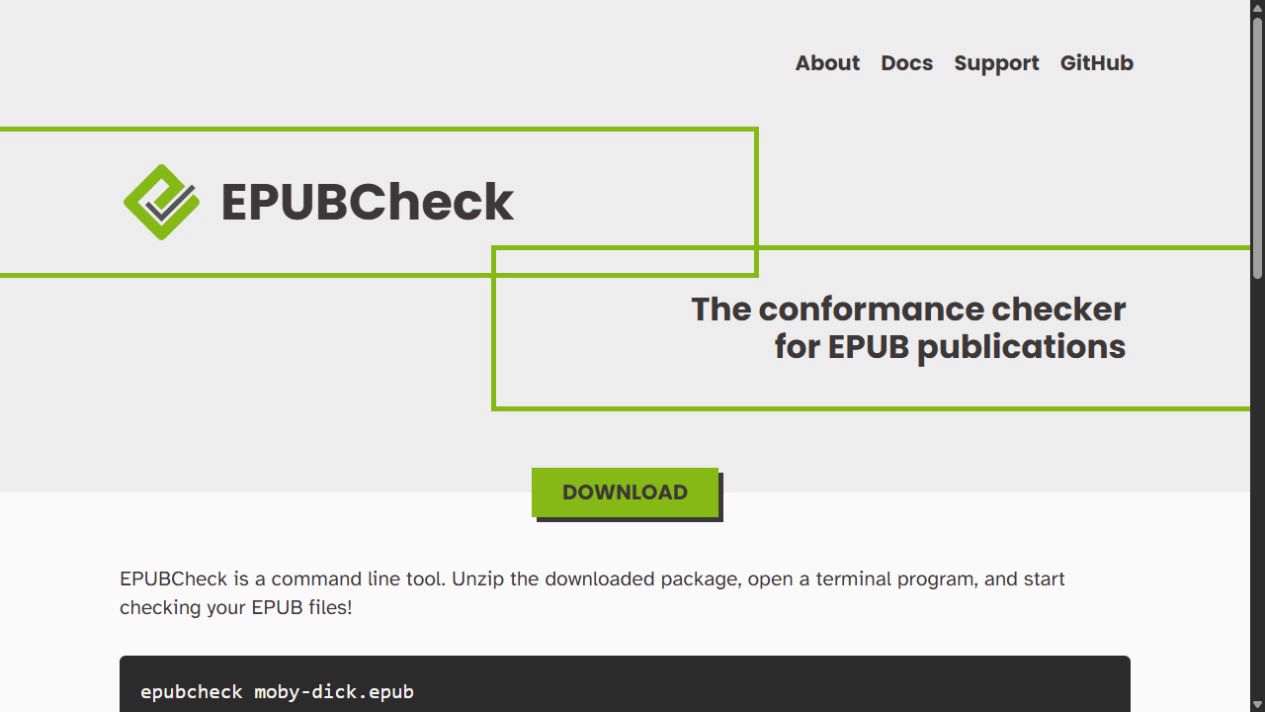
EPUBCheck calls itself the conformance checker for EPUB publications. Its W3C page says it evaluates publications against official EPUB specifications, while the official repository says it can run as a standalone command-line tool or Java library. A clean result therefore answers a bounded question: under the rules the installed checker applies, did the package produce the reported errors or warnings? That is a valuable production gate. It is not a report of what every reader will comprehend.
Keep the exact command, EPUB filename or checksum, EPUBCheck version, date, and full output with the release record. If there are warnings, preserve them rather than copying only a reassuring final line. A later editor then knows whether a clean result reflects a later correction, a different checker release, or an incomplete record.
Repair the package, then read the route
Use the message location to open the affected file and ask what relationship is broken: a missing resource, a malformed element, an invalid reference, or a package declaration that no longer matches the edition. Repair one class of issue, rerun the checker, and make a new record. Avoid a broad cleanup that changes many files without a way to attribute the result.
After the package passes, begin a separate accessibility and reading pass. Start at the navigation document. Move to a chapter heading, an image, a note, a table, a poem, and the end matter. Change text size; use the device or app’s available navigation and reading controls; and check whether each significant object still has a usable route. These are editorial checks designed to discover reader friction. They are not presented here as a formal accessibility audit.
Do not let valid hide thin meaning
A valid image reference does not tell us whether its alternative text carries the image’s function. A valid contents structure does not tell us whether two indistinguishable headings confuse a reader. A technically present note link does not tell us whether the return route is intelligible. Conversely, a reader may praise an edition whose package still contains an error that will trouble another system. Conformance and use are related but different records.
Make two columns in the release ledger. In the first, list EPUBCheck output and the disposition of each message. In the second, list reader scenarios and the observed outcome: contents route, magnified text, link return, image or table encounter, and a second reading system where feasible. Write ‘not tested’ plainly when a scenario was not observed. It is more useful than an implied universal pass.
Close with the smallest honest claim
Say ‘validated with EPUBCheck version [x] on [date]’ only when the record supports it. Say ‘reviewed in [named app/device]’ only for the route actually inspected. Neither sentence should become ‘accessible to everyone.’ An edition earns trust by keeping its gates and its readers visible separately.
Sources & limits
No validation or assistive-technology test was run for this entry. A passing EPUBCheck result is not treated as an accessibility certification or a substitute for reader testing.
- EPUBCheck
W3C Publishing · Source undated · Consulted 16 Sept 2026EPUBCheck is a command-line conformance checker that evaluates EPUB publications against official EPUB specifications and supports EPUB 2 and EPUB 3.
- w3c/epubcheck
W3C / DAISY Consortium · Source undated · Consulted 16 Sept 2026The official repository identifies EPUBCheck as the official conformance checker and says it is maintained by the DAISY Consortium on behalf of W3C.
Send a correction with the passage and supporting source.