Begin with the route
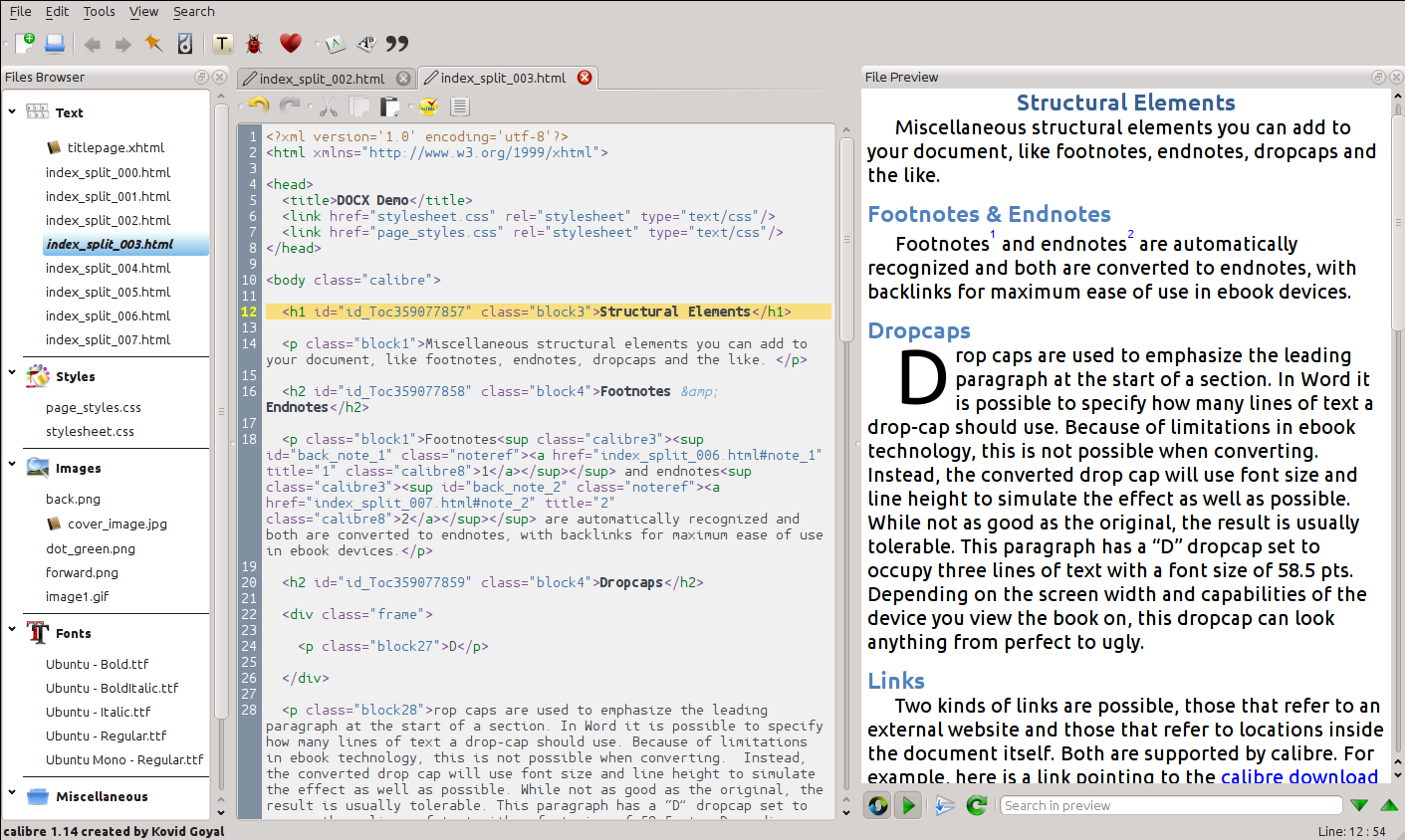
An EPUB is not only a folder of competent files. It is also an order in which a reader meets title page, contents, chapter, note, and return link. Calibre’s editor presents the book’s HTML files in reading order; its manual identifies that order as the spine. Before changing a word, read that list aloud as a route. Does the edition begin where it should? Does a foreword come before the first chapter? Are notes and end matter placed deliberately rather than merely present?
Make a copy outside the working folder, then create a Calibre checkpoint before a multi-file change. The manual says checkpoints preserve a book state and are also made when automated tools run. That is not an instruction to distrust automation. It is a way to leave the editor a recoverable record when a global replacement, cleanup, or repair changes more than was intended.
Read the report as a finding list
Calibre’s Check book tool reports malformed markup, malformed or unknown CSS, broken internal links, unreferenced files, OPF problems, and some known compatibility concerns. Run it after a contained change, not only at the end when a report has become a thicket. Give each item a small decision: fix, investigate, or retain with a reason. A warning is not a verdict on literary or editorial quality; it is a prompt to inspect the object named by the report.
Open a broken link at its destination and then approach it from the reader’s direction. A link may resolve technically while still landing before the relevant note, at a blank anchor, or in the wrong chapter. Likewise, an unreferenced image may be waste, or it may be a resource that a stylesheet calls in a way the report cannot read. The inspection is the work; the message merely tells you where to begin.
Finish in a different reader
The live preview is useful while editing: it follows code changes and lets a click in the preview return to the corresponding element. But Calibre’s own manual says the preview is not a substitute for a reader device or software emulator. It can tolerate sloppy markup and does not show every margin, page-break, or embedded-font behavior. Treat its view as a working proof, not a final reader’s experience.
A modest release pass is enough to reveal much: move through the contents, every chapter transition, a note link, an external link, a table or image, and the final page. Change type size once. Then repeat the route in a second reading system if the edition’s destination makes that relevant. Record device, app, version, and the exact file tested. This is practical interpretation, not a claim that Calibre itself certifies a book for every device.
Keep the ledger beside the file
Save the checkpoint date, the report’s unresolved items, and the reader-route checks with the delivered EPUB. If a later editor needs to move a dedication or correct a broken note, they inherit a reasoned record instead of an immaculate-looking archive with no history. The edition becomes easier to revise because its route was made visible.
Sources & limits
This is editorial workflow guidance. No Calibre build, EPUB, device, or emulator was tested for this entry; current behavior belongs to the inspected documentation.
- Editing e-books
calibre Documentation · Source undated · Consulted 16 Sept 2026The editor supports EPUB, KEPUB, and AZW3; its file browser presents text files in reading order; Check book reports structural and compatibility issues; preview is not a substitute for testing in an actual reader or emulator.
- Frequently Asked Questions
calibre Documentation · Source undated · Consulted 16 Sept 2026calibre says it does not guarantee every EPUB it produces is valid and distinguishes content and metadata tables of contents in its conversion guidance.
Send a correction with the passage and supporting source.